Reviewed AI Response
Generate polished AI text with a built-in review pass. Use it in Breyta, call it over HTTP, or connect it as an MCP tool without adding your own OpenAI key.
Created by Chris Moen • Version 6 • 10 steps
What you get
- Generate polished AI text with a built-in review pass. Use it in Breyta, call it over HTTP, or connect it as an MCP tool without adding your own OpenAI key.
Integrations
- openai
How it works
- 10 workflow steps run in Breyta to produce the app result.
Generate reviewed AI responses from Breyta, HTTP, or MCP
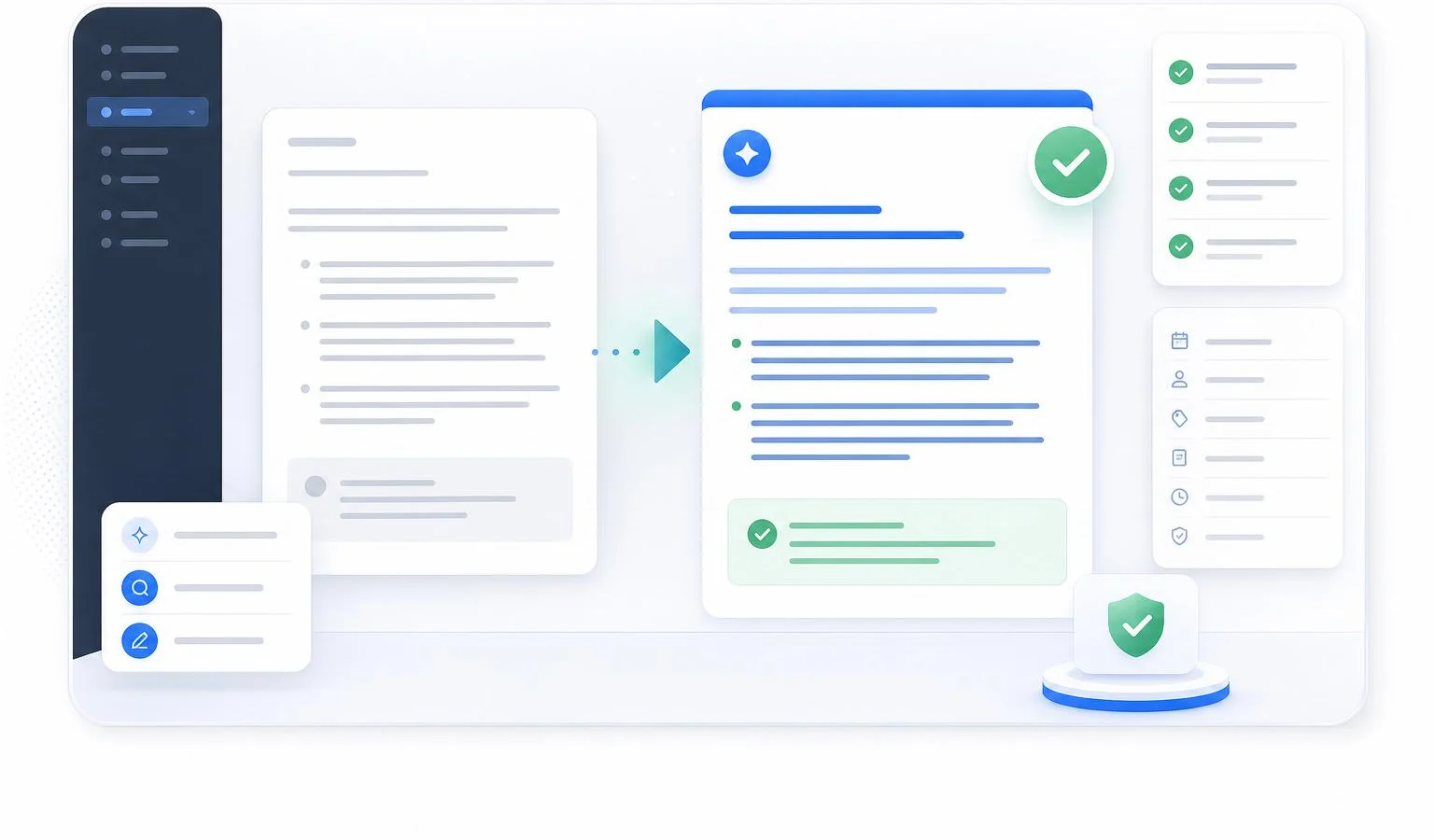
Create polished AI text for a specific audience, use case, and task. The app drafts the response, reviews it with a second AI pass, and revises once when the review says it needs work.
What you get
- A clean Markdown response ready to use
- JSON metadata with status, iterations, quality score, reviewer notes, and final response
- A built-in quality review before the final answer is returned
- Manual, HTTP, and MCP interfaces for workflows, apps, and agents
Setup
No OpenAI API key is required from the installer. The OpenAI connection is provided by the app author.
You only need access to this paid Breyta app and three inputs: audience, use case, and task.
Pricing
The 50 run pack costs $9 and includes 50 successful runs. The first five successful runs are free trial runs.
Usage is counted per successful run. Failed, cancelled, timed-out, and terminated runs do not consume the run allowance.
Inputs
- Intended audience: who the response is for
- Use case: where the response will be used
- Task: what the response should create
HTTP and MCP use
Use the HTTP interface when you want a simple API call from another service. Use the MCP tool when you want an agent to generate reviewed text through a tool call.
The MCP tool name is generate_reviewed_ai_response.
Output
The run returns a readable Markdown response plus structured JSON metadata. The response can be used directly in a workflow, app, internal tool, or another agent call.
FAQ
What does the Reviewed AI Response app do?
Reviewed AI Response creates high-quality text by running an initial generation and then applying an automated review pass. This ensures your final draft is polished and meets your standards before you use it.
Which AI services does this app use?
The app uses OpenAI to generate and critique your content. You do not need to provide your own API key to get started, as Breyta handles the connection for you.
How can I integrate this tool into my current workflow?
You can use this app within a Breyta workflow, trigger it via an HTTP API, or connect it as a Model Context Protocol tool. This flexibility allows you to integrate professional text generation into your existing systems and editors.
Do I need to configure the review steps myself?
Since this is a pre-built app, you can install it and start generating text immediately without complex configuration. You simply provide the initial prompt, and the agent-powered process manages the drafting and refinement steps for you.