Generate Cover Images
Generate polished 16:9 cover images for your flows in five distinct visual styles.
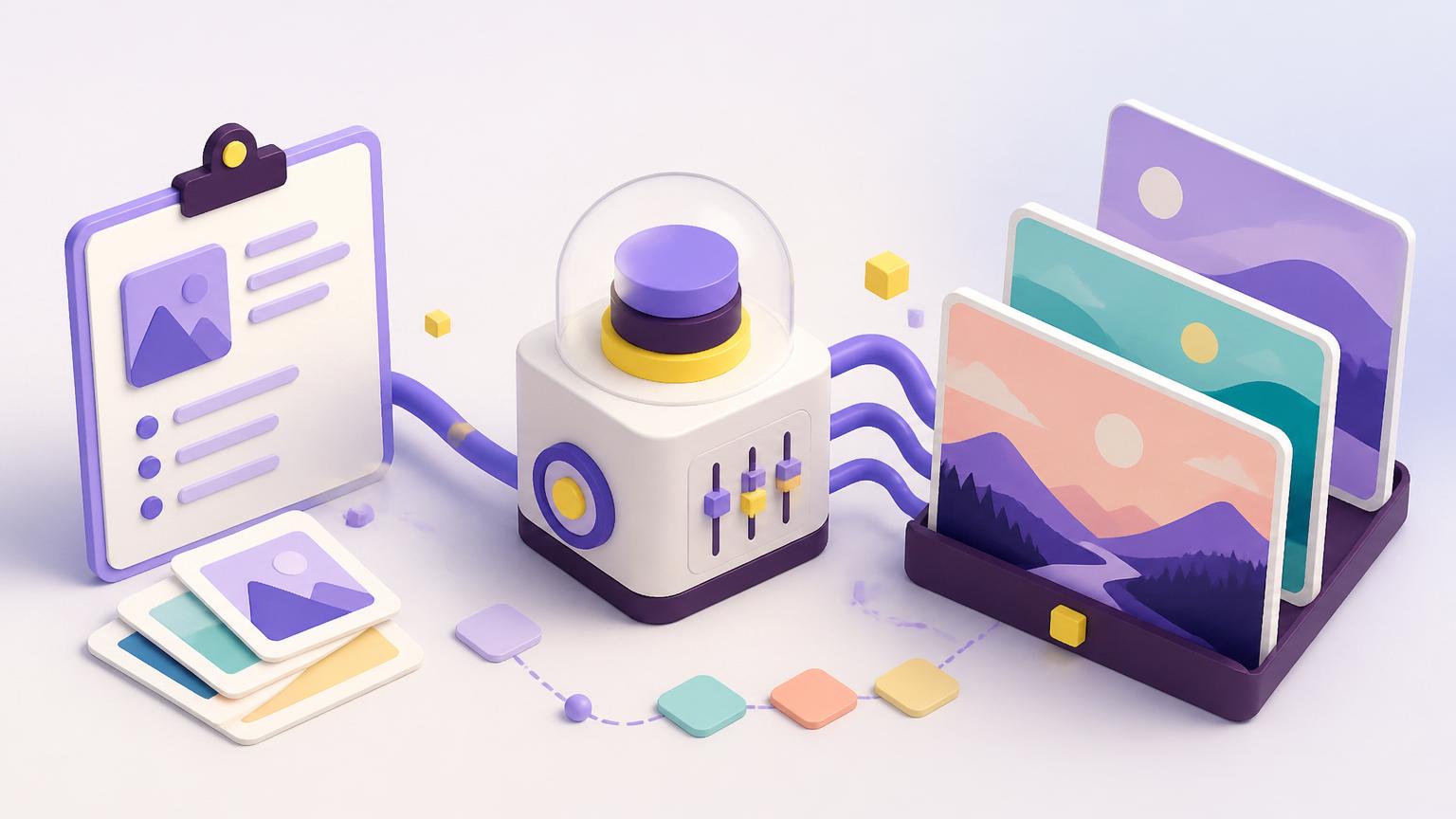
Created by Gustav Jonsson • Version 21 • 2 steps
What you get
- Generate polished 16:9 cover images for your flows in five distinct visual styles.
Integrations
- openai
- openai-image
How it works
- Generate exact 16:9 cover image
- Save cover image
Generate polished cover images for your flows
Turn a short workflow brief into a polished wide cover image that fits Breyta flow pages, app listings, and internal showcases.
What you get
- One exact 16:9 cover image per run
- Five built-in visual styles, from playful 3D to editorial illustration
- A composition designed for product and workflow storytelling rather than generic AI art
Style examples
3D cartoonish: best when you want a friendly, polished SaaS-style hero image for an AI workflow or product pageIsometric 3D: best for system flows, automations, and multi-step processes where structure and routing matterEditorial sketchbook: best for more human, thoughtful, or brand-led concepts that should feel less like generic software artPhysical metaphor photography: best when the workflow can be explained through real-world objects, props, and tactile scenesEditorial poster 2D: best when you want a bolder, flatter, more graphic cover with a strong central metaphor
Best for
- Public Breyta apps that need a stronger hero image
- Internal workflow libraries that need a cleaner visual identity
- Founders and operators who want consistent cover images without opening a design tool
Input you provide
- A short brief describing the flow, app, or workflow
- A visual style
- Optional brand or audience notes
Output
You get a ready-to-use JPEG cover image in exact 16:9 format.
Notes
- Trial users get 5 free runs
- The app works best when your brief is concrete and specific
- The generated image avoids generic robot and fake-dashboard AI visuals by design
FAQ
What does the Generate Cover Images app do?
This app automatically creates professional 16:9 cover images for your workflows. You can choose from five distinct visual styles to ensure your projects look polished and consistent.
How does the image generation process work?
The workflow uses Artificial Intelligence to create an image based on your requirements. Once the image is ready, the app automatically saves the file so you can use it immediately.
Which services does this automation use?
This app connects with OpenAI and OpenAI Image integrations to produce high-quality visuals. It uses these services to interpret your prompts and render the final 16:9 images.
Can I customise the style of the generated cover images?
You can customise your visuals by selecting one of five specific styles built into the app. Just follow the two-step process to generate your image via a web request and save it to your library.