Fiken Receipt Auto-Accounting
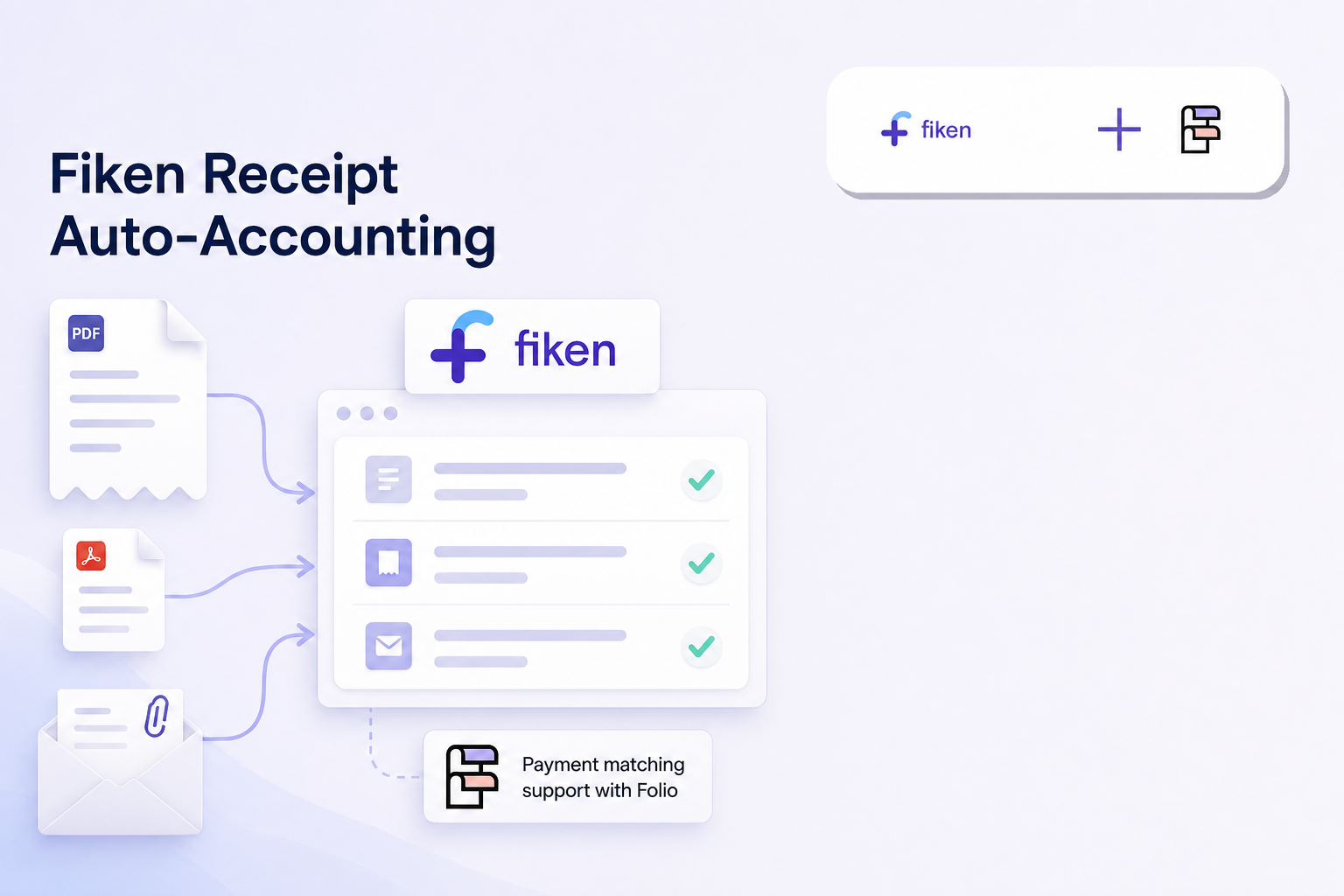
Turn receipt emails and PDFs into reviewed Fiken bookkeeping entries. Use it from Breyta, email, HTTP, or MCP, with auto-posting gated by explicit confirmation.
Created by Chris Moen • Version 20 • 67 steps
What you get
- Turn receipt emails and PDFs into reviewed Fiken bookkeeping entries. Use it from Breyta, email, HTTP, or MCP, with auto-posting gated by explicit confirmation.
Integrations
- mistral
- fiken
- folio
- sendgrid
- openai
- sendgrid_outbound
- ai
- webhook-secret
- Llm
- Webhook Secret
How it works
- 67 workflow steps run in Breyta to produce the app result.
Fiken Receipt Auto-Accounting
Turn receipt emails, PDFs, and agent-submitted files into reviewed Fiken bookkeeping entries.
Use it from Breyta, SendGrid Inbound Parse, HTTP, or MCP. The flow extracts receipt details, checks vendor context, prepares the Fiken purchase entry, and only posts when auto-posting is explicitly enabled and confirmed.
What you connect
During setup, paste a Fiken personal API token. Create it in Fiken from Rediger konto -> Sikkerhet, then add it as the Fiken API token in Breyta.
You also enter:
- Fiken company slug
- Payment account
- Default expense account
- Notification email
- Optional vendor account overrides
Fiken API access is managed inside Fiken. Open:
https://fiken.no/foretak/YOUR-COMPANY-SLUG/foretaksinnstillinger/abonnement
Replace YOUR-COMPANY-SLUG with the slug for your company. Fiken's API access is currently 99 kr NOK per month.
Folio matching is optional. If you want payment matching from Folio, enable Folio matching during setup and connect Folio API access here:
https://app.folio.no/til/api-tilgang
What happens after install
Send receipt PDFs or emails into the flow, or call it from an agent through HTTP or MCP. The flow returns a review result with the extracted fields, supplier match, posting readiness, and any manual handling notes.
When a purchase or payment is posted successfully, Fiken shows the entry as registered via API.
Safety
Auto-posting is off by default. The flow only posts to Fiken when you enable auto-posting and provide the required confirmation input.
FAQ
What does the Fiken Receipt Auto-Accounting app do?
This app converts receipt emails and PDF attachments into reviewed bookkeeping entries for your Fiken account. You can trigger the workflow through Breyta, email, HTTP requests, or Model Context Protocol, known as MCP.
Which services and platforms does this integration use?
The workflow uses Large Language Models, or LLMs, from OpenAI and Mistral to extract data from your documents. It also connects with Fiken for accounting, SendGrid for email handling, and Folio for additional financial data management.
Will this app automatically post entries to my Fiken account?
No, the app doesn't post anything to your accounts without your approval. Every entry created from a receipt is gated by an explicit confirmation step, so you can check the details before they're finalised.
How do I set up the Fiken receipt automation?
You'll need a Breyta account, a Fiken API key, and your preferred LLM credentials like OpenAI or Mistral. Once you've connected your accounts, you can start sending receipts via email or through the Breyta interface to begin processing.
Can I customise how I send receipts to this workflow?
Since the app supports HTTP and MCP, you can integrate it with your existing tools and custom scripts. The 67-step workflow handles various receipt types and data formats, giving you a reliable way to manage different bookkeeping scenarios.