Extract Text from PDFs and Images
Extract clean Markdown and structured OCR JSON from PDFs and images. Run it manually, call it over HTTP, or use it as an MCP tool without bringing your own OCR provider key.
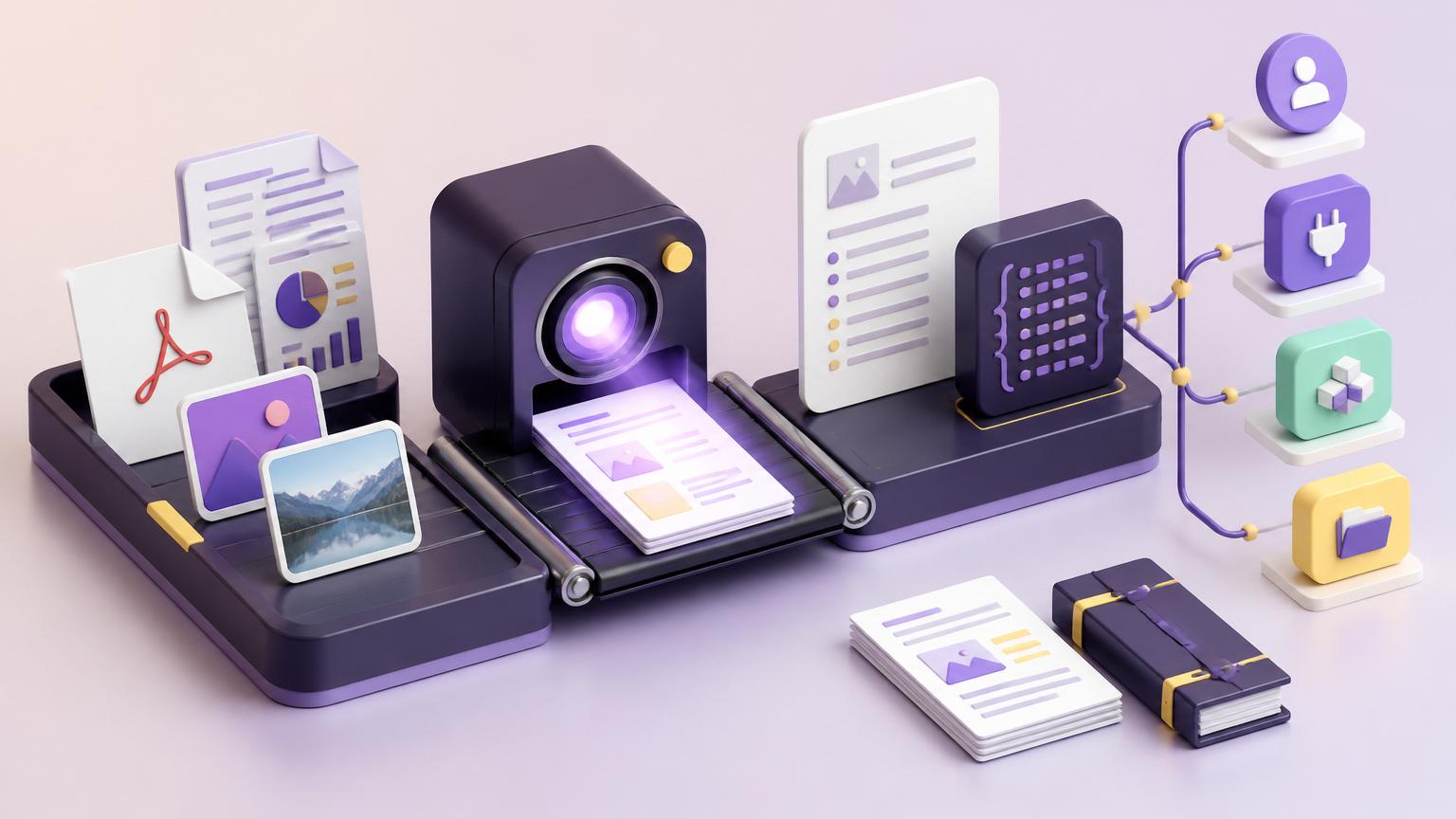
Created by Chris Moen • Version 6 • 9 steps
What you get
- Extract clean Markdown and structured OCR JSON from PDFs and images. Run it manually, call it over HTTP, or use it as an MCP tool without bringing your own OCR provider key.
Integrations
- mistral
- ocr-api
- Ocr Api
How it works
- Read OCR request
- Prepare uploaded file
- Upload file to OCR provider
- Build OCR request
- Run document OCR
- Normalize OCR output
- Persist OCR Markdown
- Persist raw OCR JSON
- Build OCR result
Extract clean text from PDFs and images
Extract Text from PDFs and Images turns PDFs and images into clean Markdown plus structured OCR JSON. Use it when you need document text that can feed another Breyta flow, an HTTP integration, or an MCP-connected assistant.
What it does
- Accepts an uploaded document resource, a public PDF URL, or a public image URL
- Runs OCR on the document
- Preserves tables in Markdown when the provider returns table structure
- Returns a readable OCR summary with page, table, image, and hyperlink counts
- Persists the extracted Markdown and raw OCR JSON as retained Breyta resources
Ways to run it
- Run it manually from Breyta for one-off document extraction
- Call the HTTP endpoint from another system
- Use the MCP tool from agents and assistants
- Chain it as a reusable step before summarization, review, classification, or data extraction
Inputs
Provide one of these:
- A PDF or image file resource
- A public PDF URL
- A public image URL
Optional settings let you choose table format, include or skip headers and footers, include extracted image base64, and request page or word confidence scores.
Output
Each run returns a concise result with:
- Extracted Markdown preview
- Page and content counts
- Structured OCR metadata
- Retained Markdown and JSON artifacts for downstream use
Notes
- Trial users get 3 free runs on the Starter plan
- Best results come from clear scans, native PDFs, screenshots, and document images
- The app uses an author-provided OCR API connection, so installers do not need to bring their own OCR provider key
FAQ
What can I do with the Extract Text from PDFs and Images app?
This app converts PDF documents and images into clean Markdown text or structured JSON data. You can run it manually through the dashboard, trigger it via an HTTP API, or use it as an MCP (Model Context Protocol) tool within your local environment.
How does the automated extraction process work?
The workflow automatically handles file preparation and uploads your documents to a secure OCR (Optical Character Recognition) provider. It سپس cleans and normalises the output to ensure you get accurate, readable text without having to manage the technical steps yourself.
Do I need my own API keys to use this OCR service?
No, you don't need to provide your own OCR provider key. This app includes access to the necessary services, using the Mistral and OCR API integrations to process your files directly.
What file formats will I receive after the extraction?
The app generates two types of output for every file. You'll receive a clear Markdown file for easy reading and a raw JSON (JavaScript Object Notation) file if you need to use the structured data for other applications.