AI Meeting Notetaker + Headless CRM
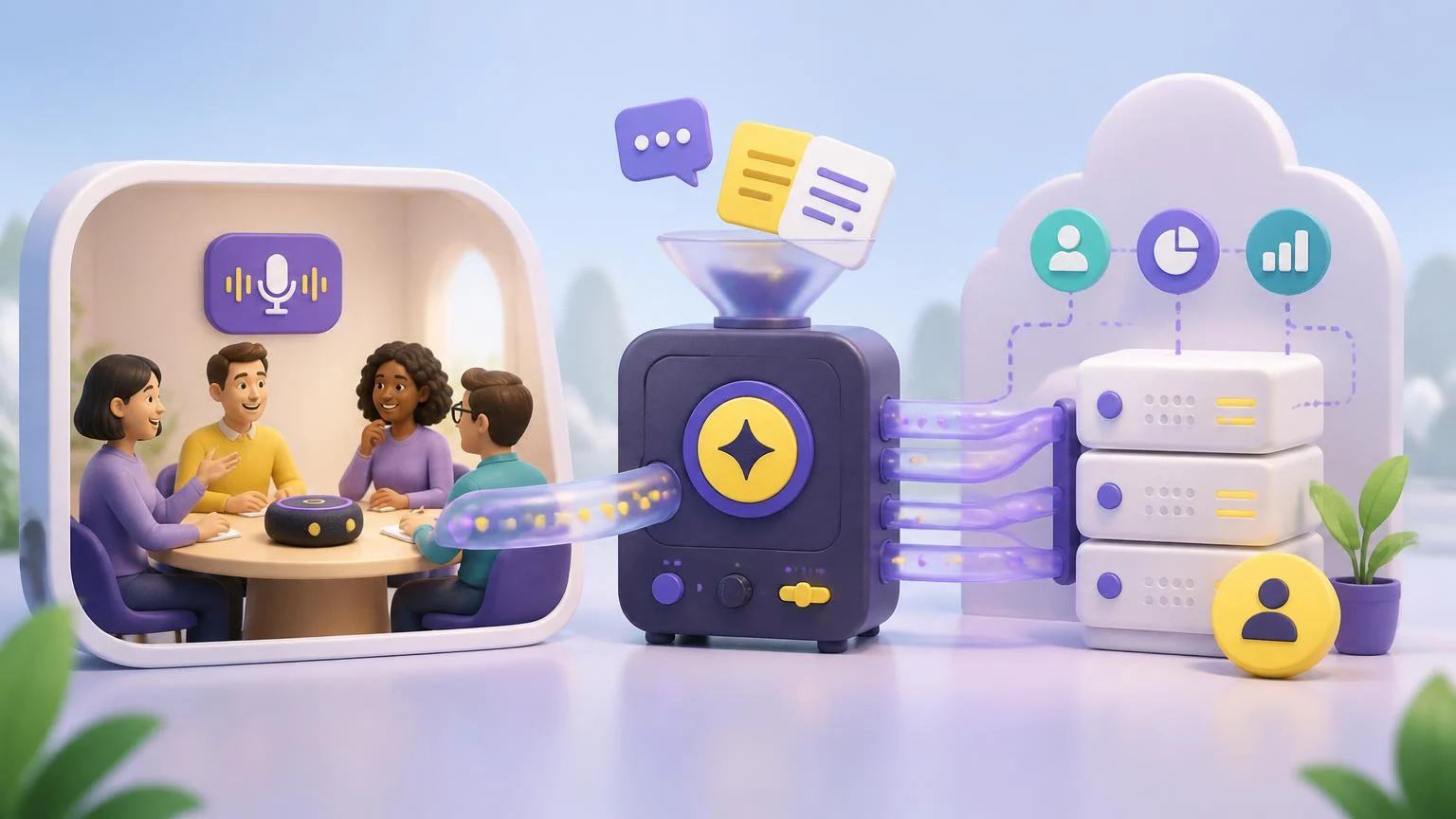
An AI meeting notetaker that auto-joins your calls and syncs each one to a headless CRM. It records and transcribes every meeting on your calendar, extracts people, companies, buying signals, and action items into your tables, and emails everyone who attended a clean summary.
Created by Chris Moen • Version 25 • 37 steps
What you get
- An AI meeting notetaker that auto-joins your calls and syncs each one to a headless CRM. It records and transcribes every meeting on your calendar, extracts people, companies, buying signals, and action items into your tables, and emails everyone who attended a clean summary.
Integrations
- recall
- sendgrid
- openai
How it works
- 37 workflow steps run in Breyta to produce the app result.
AI Meeting Notetaker + Headless CRM
Auto-record every meeting on your calendar, then get a clean summary and a headless CRM that updates itself. No CRM app to log into. Your people, companies, signals, and action items just appear in your tables.
What it does
Connect your Google Calendar once. After that, a notetaker joins each meeting you have, records and transcribes it, and when the call ends it:
- Emails everyone who attended a clear recap: purpose, key takeaways, topics, action items, and next steps.
- Saves the CRM data to your tables: people, companies, buying signals, and action items, with each attendee's email matched to the right person.
Setup
- Connect your Google Calendar. That is the only setup.
- No recorder account to create or manage. Recording is handled for you.
After each meeting
- A summary email goes to every attendee, sent from your own address.
- Four CRM tables stay up to date: contacts, interactions, signals, and actions.
Good to know
- Works with Google Meet links on your calendar events.
- The notetaker waits in the meeting lobby until a host admits it.
- Plans are metered per meeting. Start free with the trial, then pick the plan that fits how often you meet.
FAQ
What does the AI Meeting Notetaker + Headless CRM app do?
This app automatically joins your calendar meetings to record and transcribe the audio. It then uses AI to extract key data points like action items and buying signals which it saves directly into your headless CRM tables.
Which services and integrations are included in this workflow?
The workflow uses Recall for recording, OpenAI for processing the transcript, and SendGrid for email delivery. It also integrates with your email provider and the Breyta headless CRM to store and manage your data.
How does the app handle meeting summaries and follow-ups?
Once the meeting ends and the AI processes the transcript, the app automatically emails a clean summary to every person who attended. This ensures everyone has a clear record of the discussion and next steps without any manual work.
How does the headless CRM capture information from my calls?
The app automatically captures details about the people and companies on your calls. It identifies specific buying signals and action items from the conversation, then organises this information into structured tables in your CRM.