Google Ads Search Optimizer
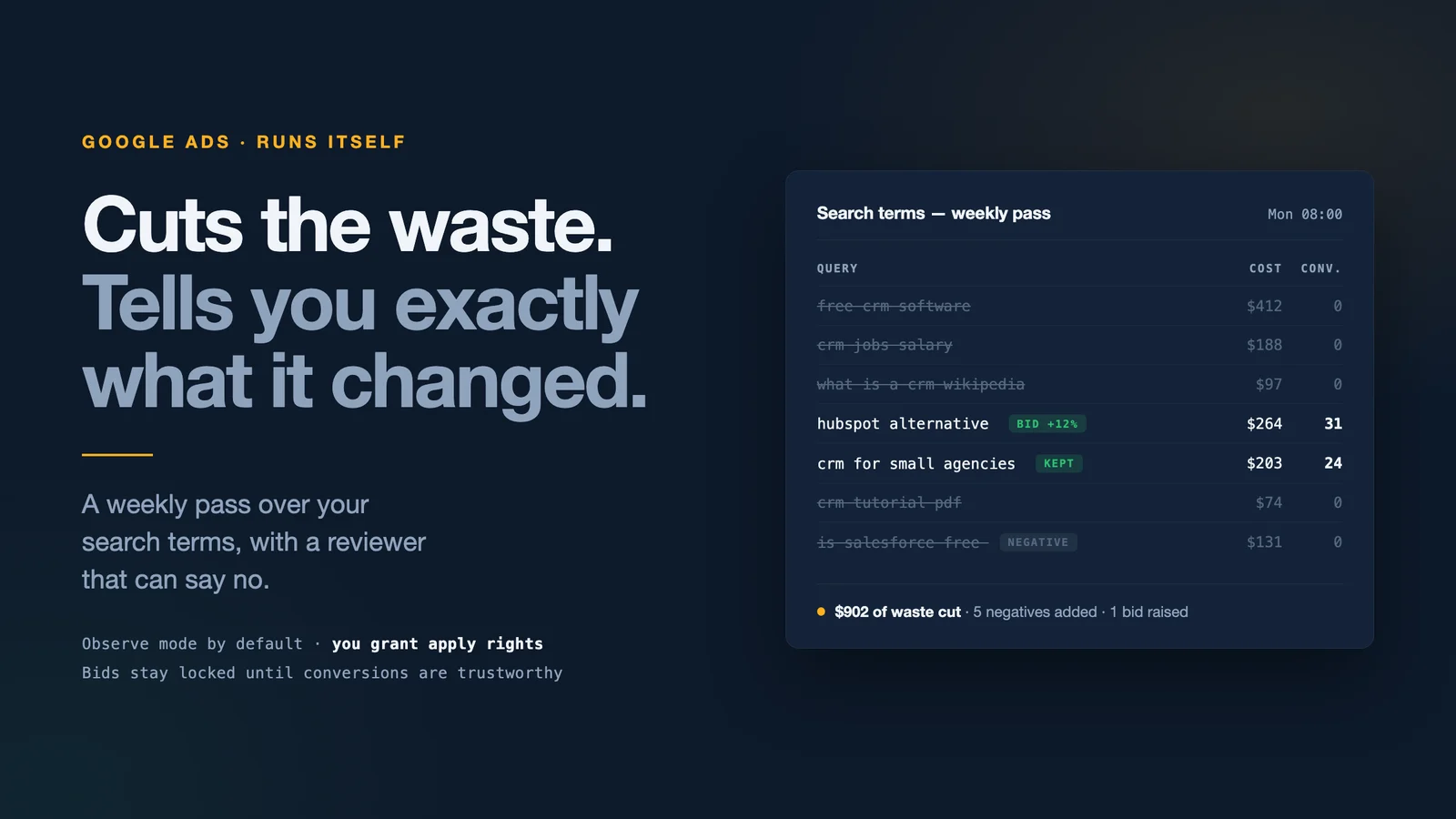
Autonomous Google Ads Search optimizer. Runs weekly, reviews your search term data, pauses wasted spend, refines keywords, adjusts bids, and emails you a plain-English summary of what it applied — no clicks required. Powered by an AI reviewer that scores every proposal before anything touches your account.
Created by Chris Moen • Version 150 • 137 steps
What you get
- Autonomous Google Ads Search optimizer. Runs weekly, reviews your search term data, pauses wasted spend, refines keywords, adjusts bids, and emails you a plain-English summary of what it applied — no clicks required. Powered by an AI reviewer that scores every proposal before anything touches your account.
Integrations
- googleapis
- sendgrid
- google-ads
- google-ads-developer-token
- coordinator-llm
- creative-llm
- Google Ads
How it works
- 137 workflow steps run in Breyta to produce the app result.
Your search terms report, read every week and acted on
Google Ads quietly spends your budget on searches you would never have picked yourself. Someone has to open the search terms report, find the waste, add the negatives, and push on what is working. Most weeks, nobody does.
This agent does it every Monday, then emails you what it changed and why.
What you get
- Weekly optimization brief with what was applied, what it cost, what it earned, and the reasoning behind every change, in plain English.
- A reviewer that can say no. Every proposal is scored by a second AI reviewer before anything touches your account. Weak proposals are dropped, not applied.
- Daily anomaly watch at 07:00 that stays quiet unless something actually moved: a spend spike, a conversion drop, a campaign that stopped serving.
- Waste cutting on a daily pass. Search terms that spend without converting become negative keywords.
- Guardrails it cannot exceed. You set a hard daily budget ceiling per campaign. On top of that, bid changes are capped at 20% and budget changes at 15% per step.
- It learns your account. Every applied change and its outcome is written to memory, so next week's proposals are informed by what already worked.
Observe mode is the default
The agent starts in observe mode: it analyses, proposes, and emails, and it changes nothing. Read a few briefs, decide whether you agree with its judgement, then switch it to autonomous. It does not get apply rights until you give them.
It also will not touch bids or budgets until it can see real conversion data in your account. Until then it works only where it is safe to work without conversions: negative keywords, keyword hygiene, and ad copy.
What you need
- 5 minutes for setup
- A Google account that can edit your Google Ads
- Your website domain and a paragraph on what you sell and to whom
- Nothing else. Google Ads is the only connection you set up. Email delivery and the AI models
are provided by the app.
How it is different
Opteo starts at $129/mo and Optmyzr quotes against your ad spend. Both are dashboards: they surface suggestions and you click through them. Google's own auto-apply recommendations are free, but they apply without anyone reviewing them and without telling you why.
This is the other shape. No dashboard, one email a week, a reviewer that scores every proposal before it lands, and a full account of what changed and what it did.